
The Article
Firmware Updates: Pioneer XDP-30R & Onkyo DP-S1
29th December 2017

USB-OTG functionality has now been added to both devices which allows them to also function as a Digital Playback Source/Transport when used with suitable external Digital To Analogue converters, amplifiers/speakers with suitable internal DACs
While they’re about it, both have added functions via new firmware upgrades.
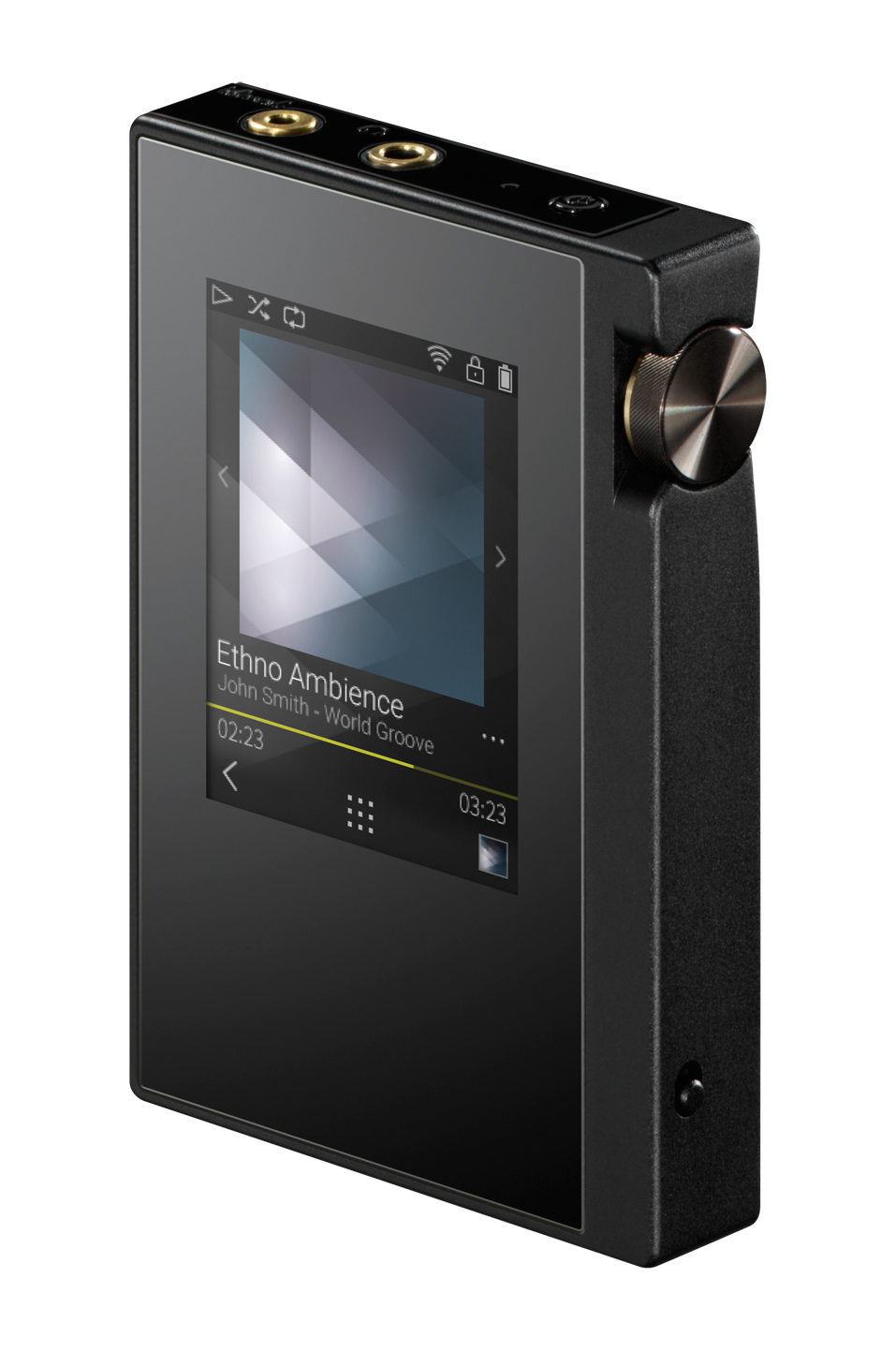
For both the Pioneer XDP-30R (1.20/17Z18AEP) and the Onkyo DP-S1 (1.20/17Z18AEO), the new enhancements:
•Supports USB-OTG Digital output function (DSD 5.6MHz with DoP transfer, Maximum 192kHz/32bit)
•Supports playback in order of “Disc No.” Tag (edited via X-DAP Link for Windows)
•Minor bug fixes and improvements stability.
•DSD: 5.6 / 2.8 MHz (DoP transfer), FLAC, WAV: PCM 192 kHz / 32 bit USB – OTG digital output function.
•Not supported – outputting DSD 11.2MHz out with USB-OTG.
•Not supported – outputting FLAC, WAV 384 kHz / 352.8 kHz with USB-OTG.
•In the case of MQA files, there is a fixed output “PCM 44.1 kHz /48 kHz” when using USB-OTG.
•Note: an OTG cable is not included in this product.
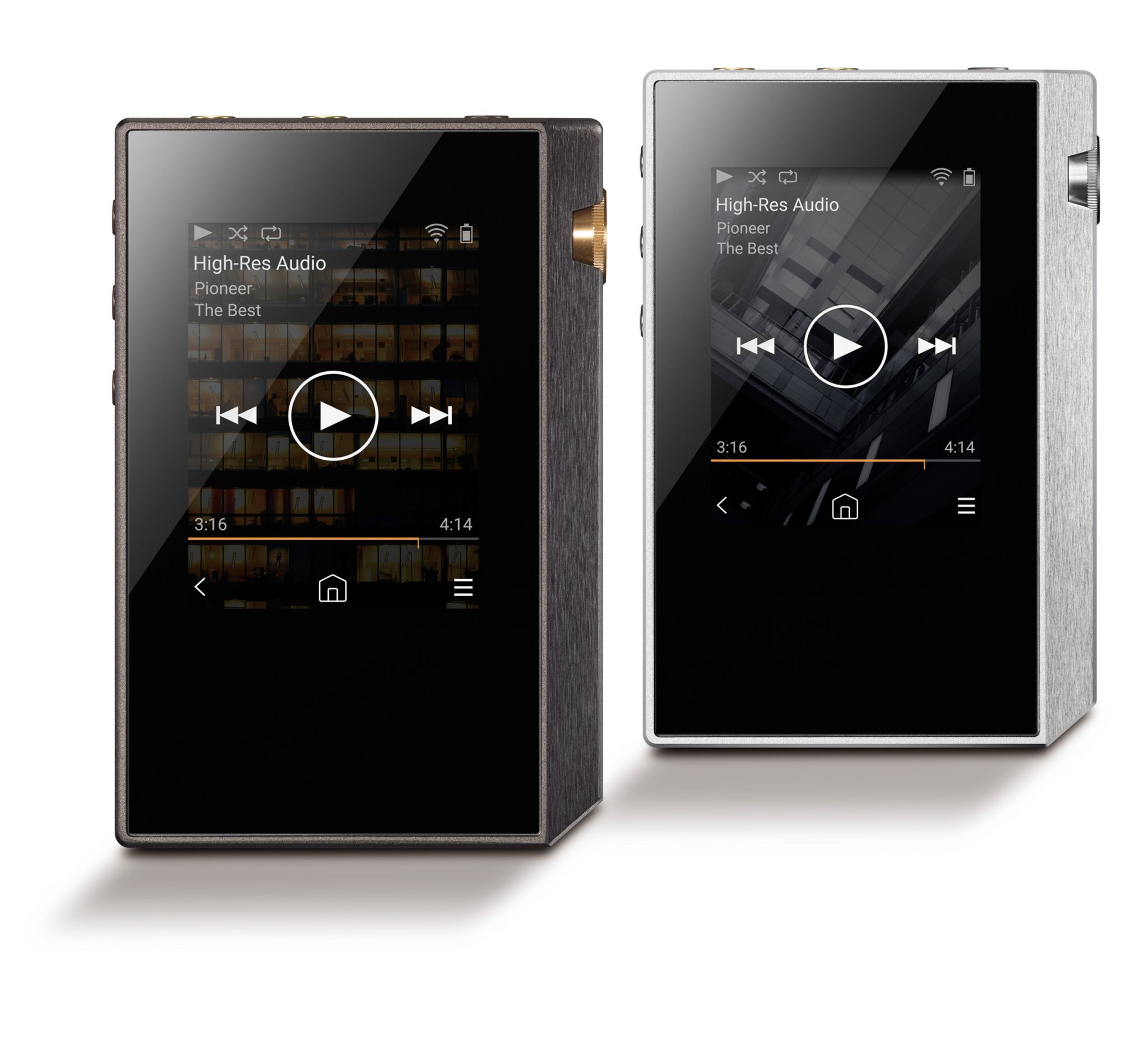
Update procedure: There are two types of update methods – via network and via microSD card. Users are advised to consult their instruction manuals for further details.
To download the new firmware and find out more about the XDP-30R DAP, please visit www.pioneer-audiovisual.eu or www.uk.onkyo.com
Tengo un pioneer twin dac XDP-30R, y me gustaría actualizar el fimware. Como puedo hacerlo?
The easiest way to update your Pioneer Twin DAC XDP-30R is directly over Wi-Fi. The player supports both network updates and microSD card updates.
Method 1: Update via Wi-Fi (recommended)
Charge the XDP-30R to at least 50% (preferably fully charged).
Connect the player to your Wi-Fi network.
From the Home screen, tap the Settings icon.
Select Software Update.
Tap Update Now.
Choose via Network.
Wait for the download and installation to complete.
The player will display “Completed!” when finished.
Method 2: Update via microSD Card
If the network update no longer works:
Download the firmware package for the XDP-30R from Pioneer/Onkyo support.
Unzip the downloaded file.
Copy all extracted files and folders to the root directory of a microSD card.
Insert the microSD card into the XDP-30R.
Go to Settings → Software Update → Update Now.
Select via SD Card.
Wait for the update to finish and confirm “Completed!” appears.
Before Updating
Do not disconnect cables, headphones, or the microSD card during the update.
Do not power off the player while updating.
Ensure the battery is adequately charged